Activity Requirement
IT326 | Web Systems and Technologies
Darlene R.
Namayan
BS Information Technology — 3F
Hello! Welcome to my personal website. Here, I share my school work, activities, and projects made with HTML, CSS, and JavaScript. This website shows my interest in computers and technology, and how I like to learn and create things. Feel free to look around and see the projects I made while learning new skills.
Dar
Namayan
IT326 · Web Systems and Technologies
My Activities
A collection of hands-on HTML exercises completed throughout the course — from basic document structure to images and links.
5
Activities
35
Exercises
HTML
Language
IT326
Subject
Activity
01
🏗️
Basic Exercises
Foundational HTML exercises covering document structure, printing content to the screen, and setting page titles in the browser tab.
DOCTYPE
HTML Structure
Headings
<title>
<head>
Activity
02
🎨
Text Exercises
HTML text styling exercises covering colors, font families, inline styles, and displaying text with varying heading sizes.
Colors
Font Families
Inline Styles
<b> <i> <u>
Headings h1–h6
Activity
03
📝
Text Formatting Exercises
Advanced HTML text formatting covering superscript, subscript, lists, preformatted text, blockquotes, abbreviations, and more.
<sup> <sub>
Lists ol/ul/dl
<pre>
<blockquote>
<abbr>
<del> <ins>
Activity
04
🔗
Link Exercises
HTML anchor tag exercises covering external links to websites, opening links in new windows, and same-page navigation using anchor IDs.
<a href>
target=”_blank”
Anchor IDs
Page Navigation
Activity
05
🖼️
Image Exercises
HTML image exercises covering how to display images, apply borders and sizing, and use images as clickable links to other pages.
<img>
border / width / height
Image Links
alt & title
Dar
Namayan
DN
Darlene R. Namayan
BS Information Technology — 3F · IT326
About Me
Hi! I’m Darlene R. Namayan, a third-year BS Information Technology student with a genuine passion for technology and creativity. I enjoy building things from scratch using HTML, CSS, and JavaScript, and I find great satisfaction in seeing ideas come to life through code. I am hardworking, curious, and always eager to learn new skills that help me grow both academically and personally.
Hobbies & Interests
🏀 Playing Sports
🎵 Creating Songs
🎸 Playing Musical Instruments
🎧 Listening to Music
🎬 Watching Movies
🍜 Food Lover
💻 Web Development
📚 Learning New Things
Contact
📧 [email protected] | 🌐 dagoodcare.online
Dar
Namayan
IT326 · Web Systems and Technologies
Activity 1 — Basic Exercises
Foundational HTML exercises covering document structure, printing content, and page titles.
Exercise 01
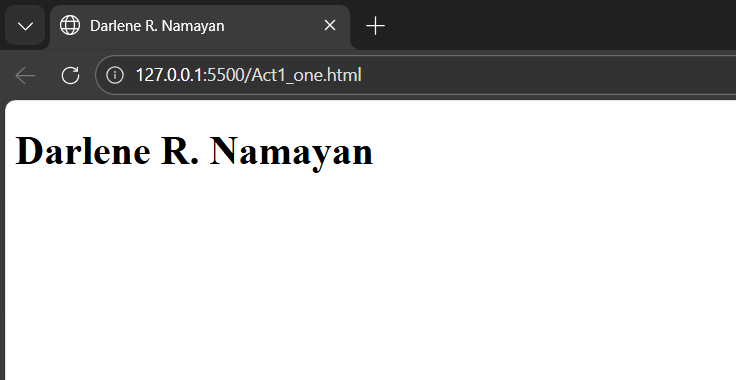
Printing Your Name
Create a webpage that prints your name to the screen using an H1 heading tag.
Browser Output
Source Code
<!DOCTYPE html>
<html lang="en">
<head>
  <meta charset="UTF-8">
  <title>Darlene R. Namayan</title>
</head>
<body>
  <!-- This is my Name -->
  <h1>Darlene R. Namayan</h1>
</body>
</html>
Exercise 02
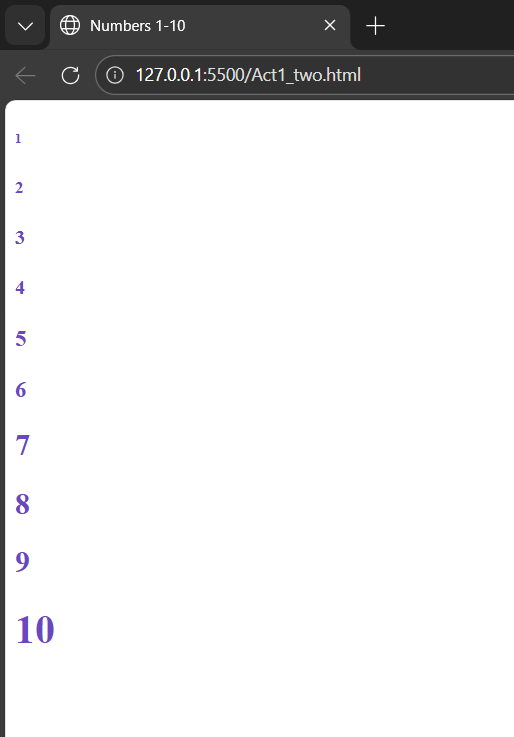
Numbers 1 to 10
Create a webpage that prints the numbers 1–10 to the screen using heading tags of varying sizes.
Browser Output
Source Code
<body>
  <!-- Numbers 1-10 with colors -->
  <h6 style="color:#6B46C1">1</h6>
  <h5 style="color:#6B46C1">2</h5>
  <h4 style="color:#6B46C1">3</h4>
  <h4 style="color:#6B46C1">4</h4>
  <h3 style="color:#6B46C1">5</h3>
  <h3 style="color:#6B46C1">6</h3>
  <h2 style="color:#6B46C1">7</h2>
  <h2 style="color:#6B46C1">8</h2>
  <h2 style="color:#6B46C1">9</h2>
  <h1 style="color:#6B46C1">10</h1>
</body>
Exercise 03
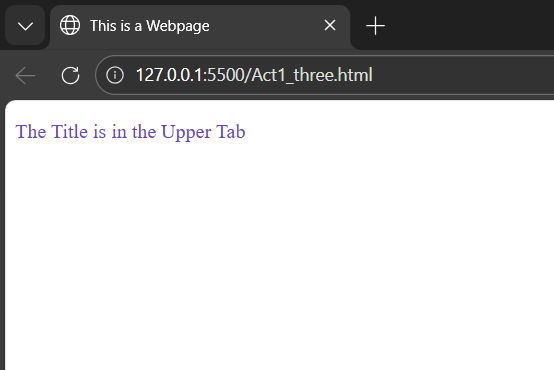
Setting the Page Title
Create a webpage and set its title to “This is a Webpage” — visible in the browser tab.
Browser Output
Source Code
<head>
  <title>This is a Webpage</title>
  <!-- Here is the title -->
  <style>
    p { color: #6B46C1; }
  </style>
</head>
<body>
  <p>The Title is in the Upper Tab</p>
</body>
Exercise 04
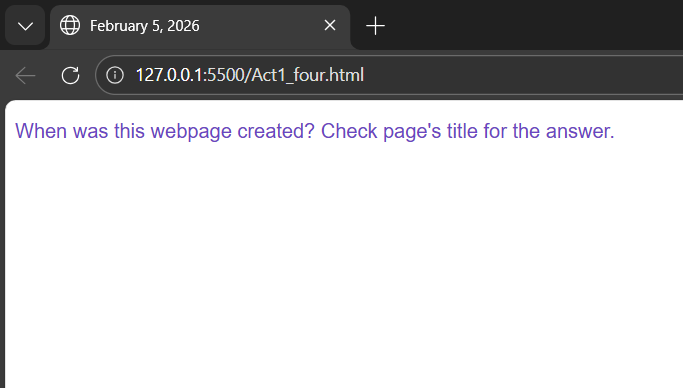
Date in the Title
Print “When was this webpage created? Check page’s title for the answer.” and set the title to the current date.
Browser Output
Source Code
<head>
  <!-- Title set to current date -->
  <title>February 5, 2026</title>
  <style>
    p { color: #6B46C1; }
  </style>
</head>
<body>
  <p>
    When was this webpage created?
    Check page's title for the answer.
  </p>
</body>
Exercise 05
No Head Section
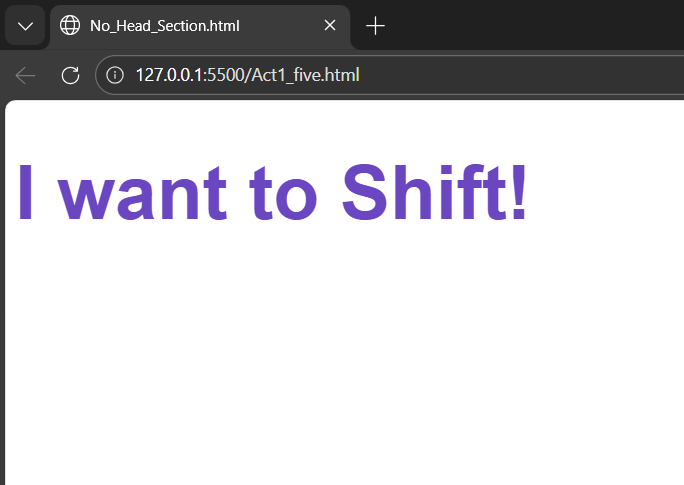
Create a webpage that prints any text of your choosing — without including a head section in the code.
Browser Output
Source Code
<!DOCTYPE html>
<html lang="en">
  <title>No_Head_Section.html</title>
<!-- No Head Section -->
<body>
  <h1 style="color:#6B46C1;
    font-size:60px;">
    I want to Shift!
  </h1>
</body>
</html>
Exercise 06
With Head Section
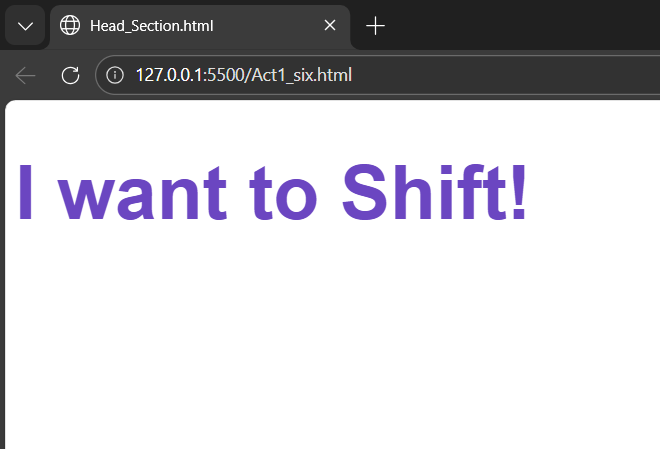
Repeat Exercise 5 — but this time include a proper head section with meta tags and a style block.
Browser Output
Source Code
<!DOCTYPE html>
<html lang="en">
<!-- With Head Section -->
<head>
  <meta charset="UTF-8">
  <title>Head_Section.html</title>
  <style>
    h1 {
      color: #6B46C1;
      font-size: 60px;
    }
  </style>
</head>
<body>
  <h1>I want to Shift!</h1>
</body>
</html>
Dar
Namayan
IT326 · Web Systems and Technologies
Activity 2 — Text Exercises
HTML text styling exercises covering colors, fonts, inline styles, and text formatting.
Exercise 01
Name in Green
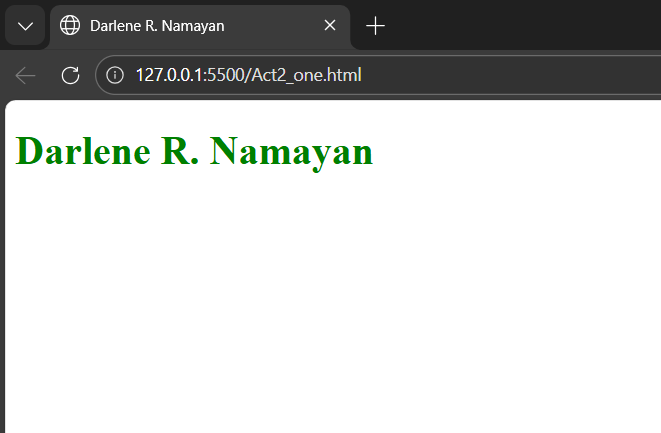
Print your name in green using a CSS color style applied to an H1 heading tag.
Browser Output
Source Code
<!DOCTYPE html>
<html lang="en">
<head>
  <meta charset="UTF-8">
  <title>Darlene R. Namayan</title>
  <style>
    h1 { color: green; }
  </style>
</head>
<body>
  <!-- This is my Name with style -->
  <h1>Darlene R. Namayan</h1>
</body>
</html>
Exercise 02
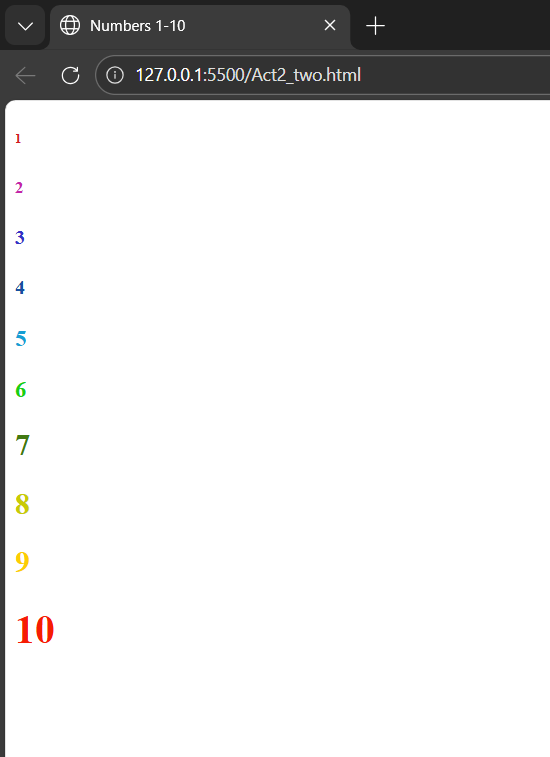
Numbers in Different Colors
Print the numbers 1–10 with each number displayed in a unique color using inline styles.
Browser Output
Source Code
<body>
  <!-- Numbers 1-10, each a different color -->
  <h6 style="color:#d31a20">1</h6>
  <h5 style="color:#c425a9">2</h5>
  <h4 style="color:#3333c6">3</h4>
  <h4 style="color:#164fa0">4</h4>
  <h3 style="color:#169ed4">5</h3>
  <h3 style="color:#18cf14">6</h3>
  <h2 style="color:#427912">7</h2>
  <h2 style="color:#c8cb05">8</h2>
  <h2 style="color:#fcce03">9</h2>
  <h1 style="color:#f61c04">10</h1>
</body>
Exercise 03
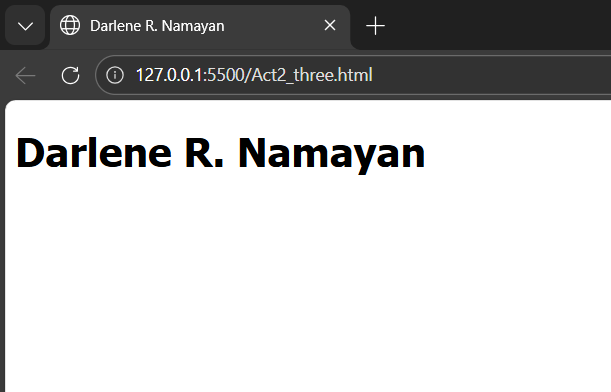
Name in Tahoma Font
Print your name using the Tahoma font family applied via an inline style attribute.
Browser Output
Source Code
<!DOCTYPE html>
<html lang="en">
<head>
  <meta charset="UTF-8">
  <title>Darlene R. Namayan</title>
</head>
<body>
  <!-- Name with Tahoma font -->
  <h1 style="font-family: tahoma;">
    Darlene R. Namayan
  </h1>
</body>
</html>
Exercise 04
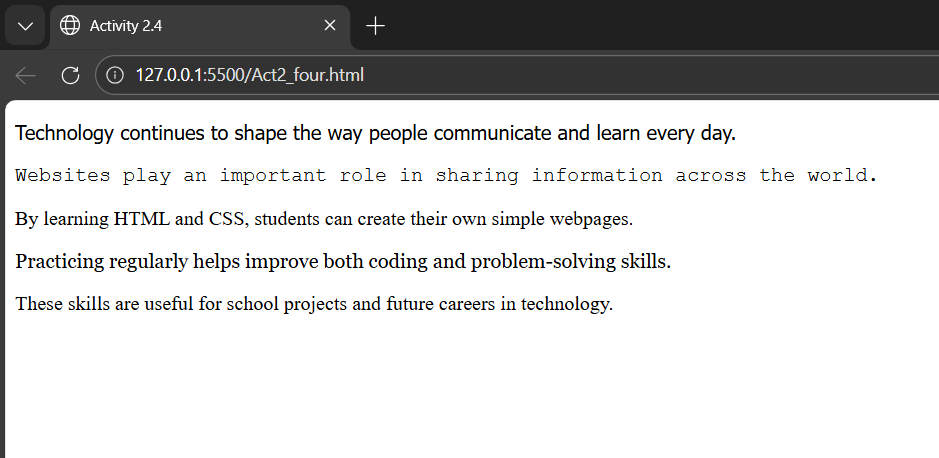
Paragraph with Different Fonts
Print a paragraph of 4–5 sentences where each sentence uses a different font family.
Browser Output
Source Code
<body>
  <!-- Paragraph with different fonts -->
  <p style="font-family: Tahoma">
    Technology continues to shape the
    way people communicate and learn.
  </p>
  <p style="font-family: Courier New">
    Websites play an important role in
    sharing information across the world.
  </p>
  <p style="font-family: Gill Sans">
    By learning HTML and CSS, students
    can create their own simple webpages.
  </p>
  <p style="font-family: Georgia">
    Practicing regularly helps improve
    coding and problem-solving skills.
  </p>
  <p style="font-family: Times New Roman">
    These skills are useful for school
    projects and future tech careers.
  </p>
</body>
Exercise 05
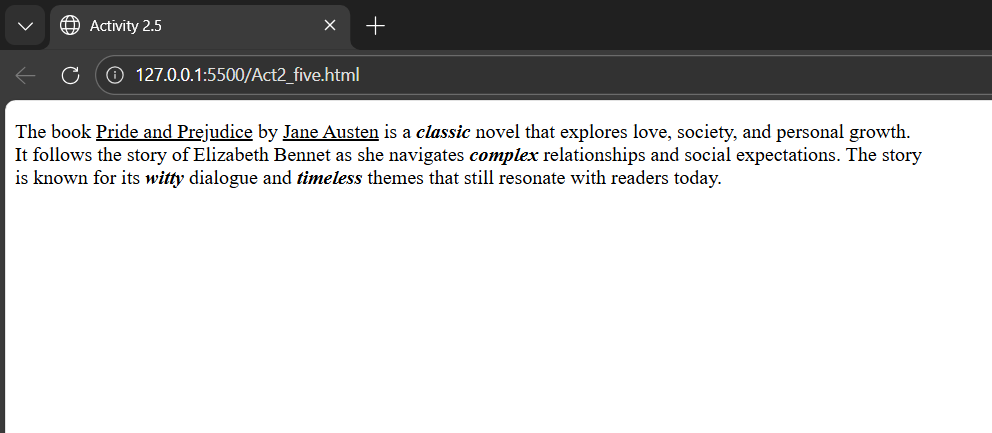
Book Description Paragraph
Print a book description paragraph — titles and names underlined, adjectives bolded and italicized.
Browser Output
Source Code
<body>
  <!-- Book title & author underlined,
       adjectives bolded & italicized -->
  <p>
    The book <u>Pride and Prejudice</u>
     by <u>Jane Austen</u> is a
    <b><i>classic</i></b> novel...
  </p>
</body>
Exercise 06
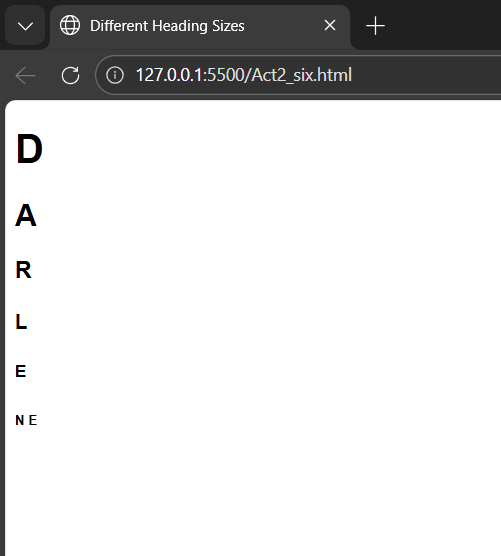
Name in Varying Heading Sizes
Print your name to the screen with every letter displayed in a different heading size (h1–h6).
Browser Output
Source Code
<body>
  <!-- Each letter: different heading size -->
  <h1>D</h1>
  <h2>A</h2>
  <h3>R</h3>
  <h4>L</h4>
  <h5>E</h5>
  <h6>N E</h6>
</body>
DarNamayan
IT326 · Web Systems and Technologies
Activity 3 — Text Formatting Exercises
HTML text formatting covering superscript, subscript, lists, preformatted text, quotes, and more.
Exercise 01
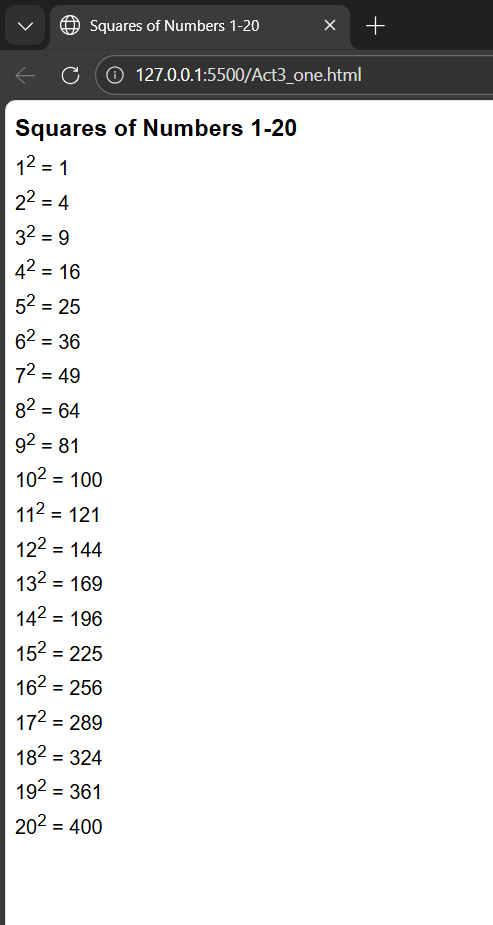
Squares of Numbers 1–20
Print the squares of 1–20 using superscript <sup> tags. Each on its own line showing e.g. 10² = 100.
Browser Output
Source Code
<p>1<sup>2</sup> = 1</p>
<p>2<sup>2</sup> = 4</p>
... (continues to 20² = 400)
Exercise 02
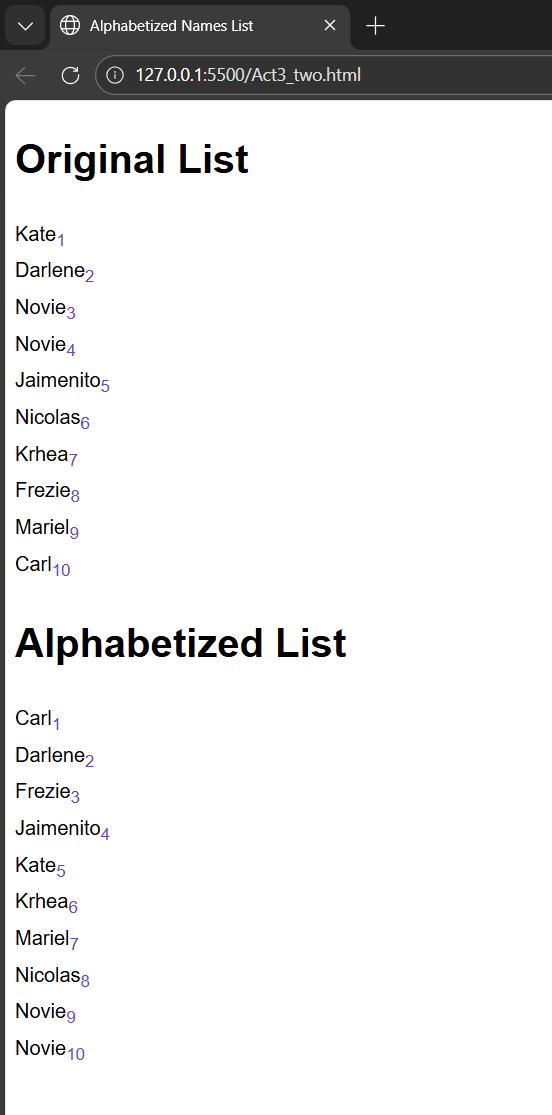
Alphabetized Names with Subscript
Print 10 names with subscripted rank numbers using <sub>. Show both the original and alphabetized lists with H1 headings.
Browser Output
Source Code
<h1>Original List</h1>
<p>Maria<sub>6</sub><br>
Alan<sub>1</sub></p>
<h1>Alphabetized</h1>
Exercise 03
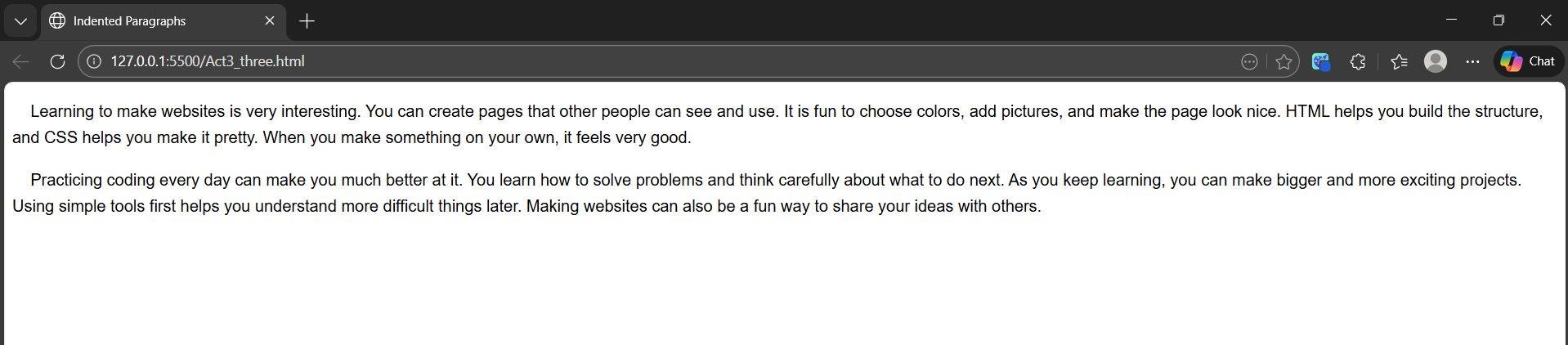
Indented Paragraphs with
Print two paragraphs both indented using the non-breaking space entity.
Browser Output
Source Code
<p> Learning HTML is the first step...</p> <p> CSS adds style and design...</p>
Exercise 04
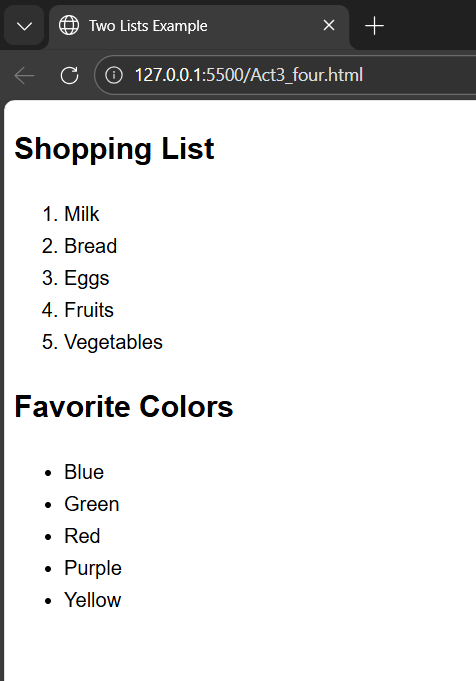
Ordered and Unordered Lists
Print two lists — one ordered <ol> and one unordered <ul> — with any content of your choosing.
Browser Output
Source Code
<ol><li>Boil water</li></ol>
<ul><li>Mango</li></ul>
Exercise 05
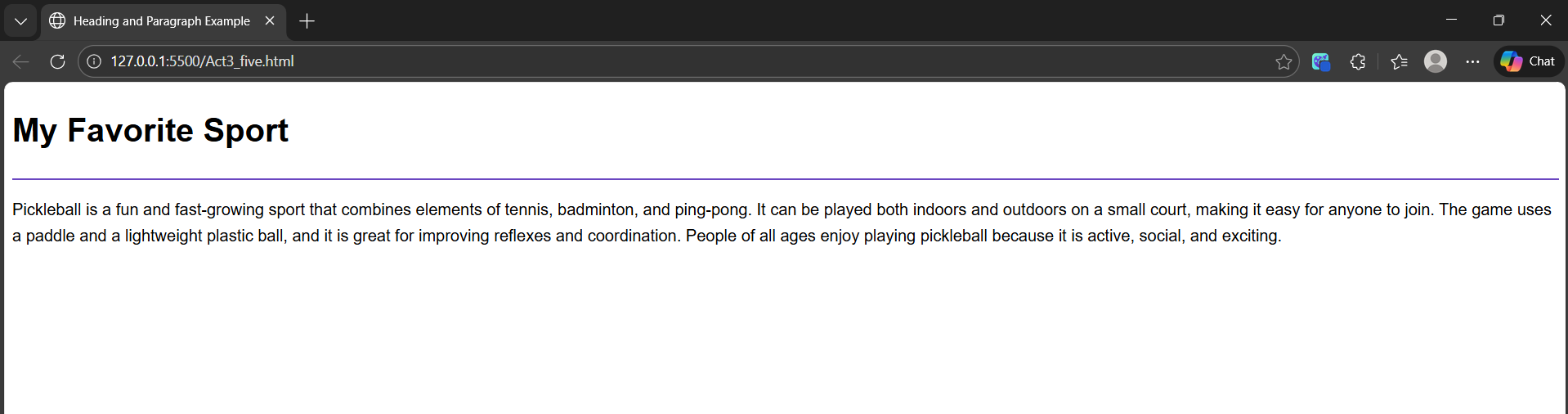
Heading with Horizontal Rule
Print an H1 heading followed by a 100%-width <hr>, then a related paragraph below the line.
Browser Output
Source Code
<h1>Web Development</h1>
<hr width="100%">
<p>Web development is the process...</p>
Exercise 06
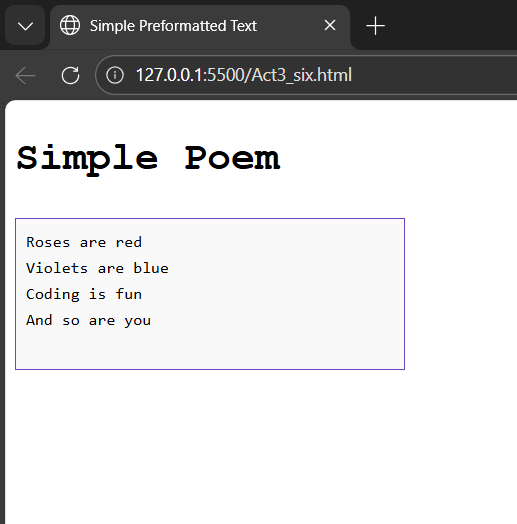
Preformatted Text
Print preformatted text using the <pre> tag to preserve all spacing and line breaks exactly as written.
Browser Output
Source Code
<pre>
  Name   : Darlene R. Namayan
  Course : BS Information Technology
</pre>
Exercise 07
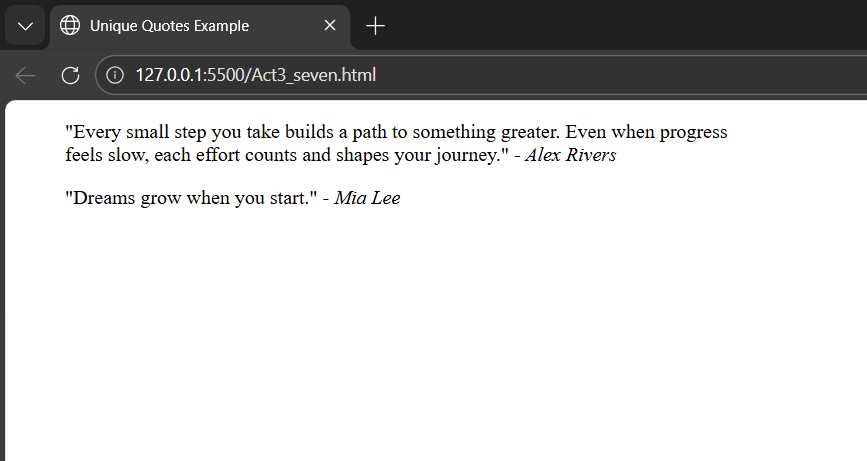
Long and Short Quotes with Citations
Print a long quote using <blockquote> and a short inline quote with <q>. Cite both authors with <cite>.
Browser Output
Source Code
<blockquote>The only way to do great
work is to love what you do.</blockquote>
<cite>— Steve Jobs</cite>
Exercise 08
Deleted and Inserted Text
Print deleted text using <del> and replacement/inserted text using <ins> of your choosing.
Browser Output
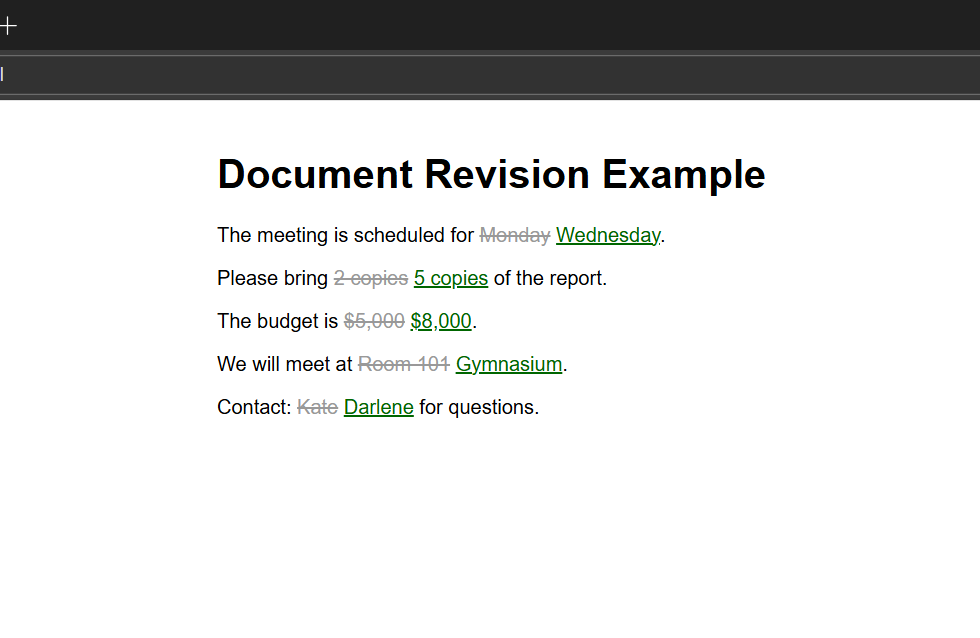
Source Code
<del>Mathematics</del>
<ins>Web Development</ins>
Exercise 09
Definition List
Print a definition list using <dl>, <dt>, and <dd> tags with 5 technology terms and their definitions.
Browser Output
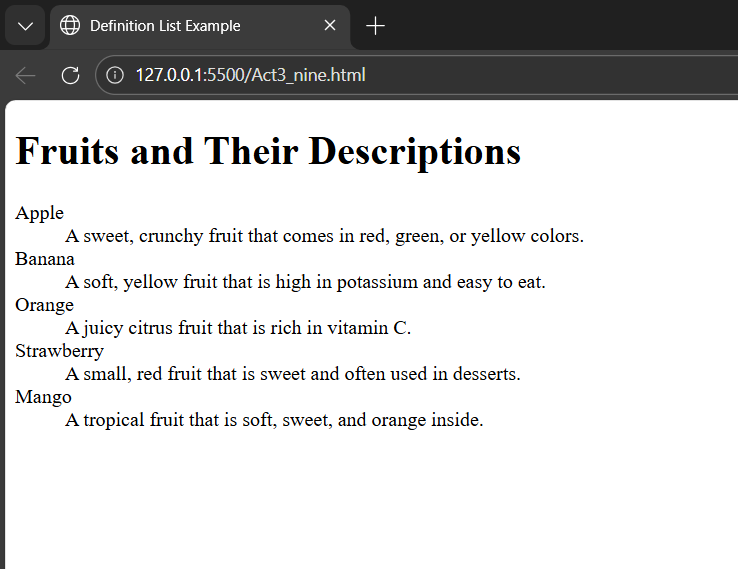
Source Code
<dl>
  <dt>HTML</dt>
  <dd>HyperText Markup Language</dd>
  ... (5 items total)
</dl>
Exercise 10
Two Addresses (Envelope Format)
Print two addresses — sender’s in the top left corner, receiver’s centered — using the <address> tag.
Browser Output
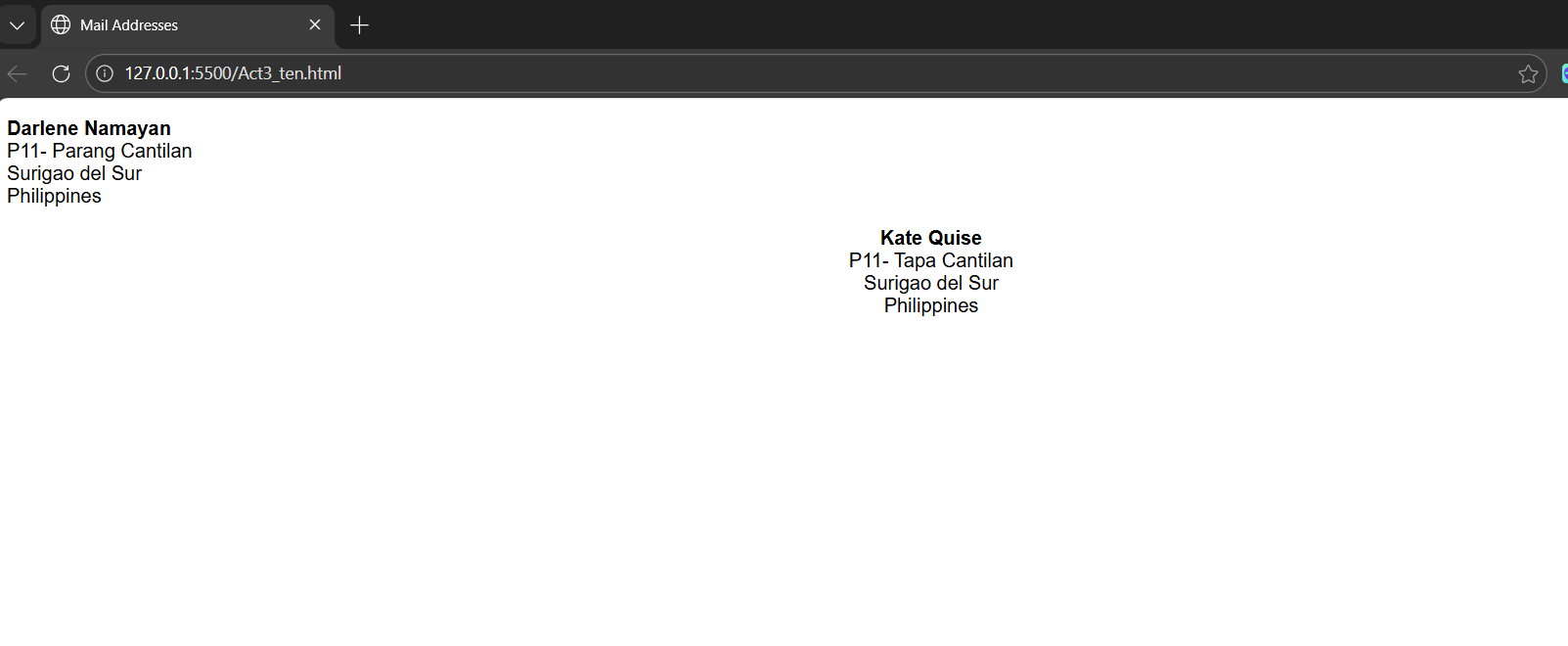
Source Code
<address style="float:left;">
  Darlene R. Namayan<br>
  123 Mango St., Davao City
</address>
<address style="text-align:center;">
  Prof. Juan dela Cruz
</address>
Exercise 11
Acronyms and Abbreviations
Print ten acronyms/abbreviations separated by two lines each, using the <abbr> tag with title attributes.
Browser Output
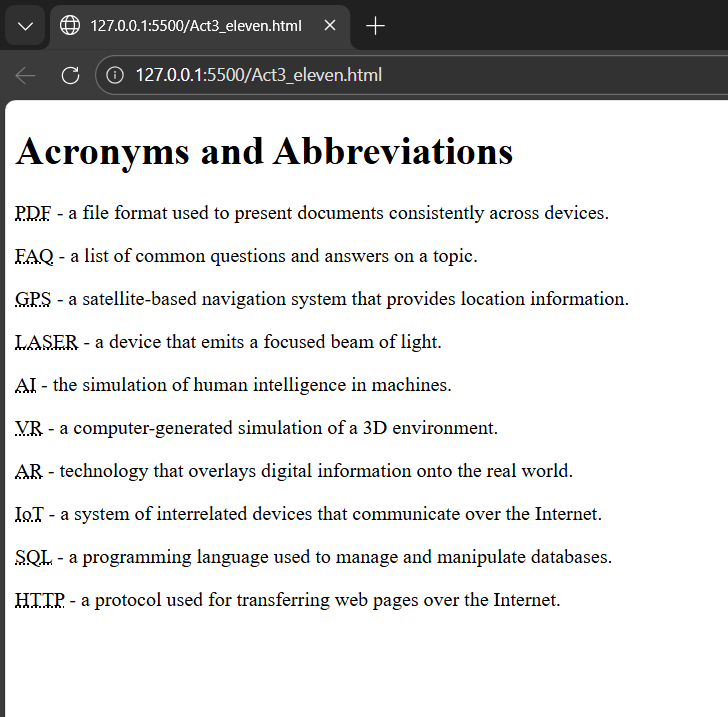
Source Code
<p><abbr title="HyperText Markup Language">
  HTML</abbr></p><br><br>
... (10 items total)
DarNamayan
IT326 · Web Systems and Technologies
Activity 4 — Link Exercises
HTML anchor tag exercises covering external links, new window targets, and same-page navigation.
Exercise 01
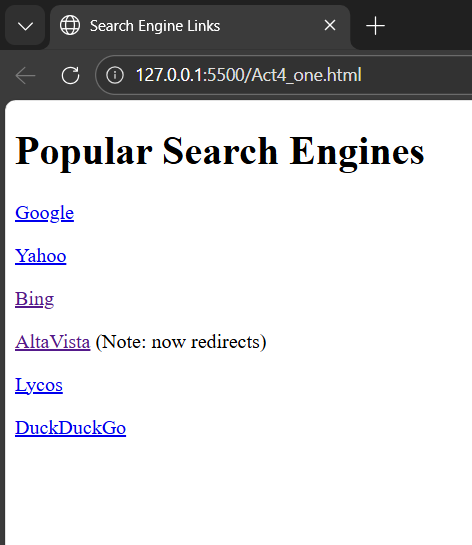
Links to Search Engines
Create links to various search engines — Google, Yahoo, Bing, Lycos, DuckDuckGo — using <a href> tags.
Browser Output
Source Code
<a href="https://www.google.com">Google</a><br>
<a href="https://www.yahoo.com">Yahoo</a><br>
<a href="https://www.bing.com">Bing</a>
Exercise 02
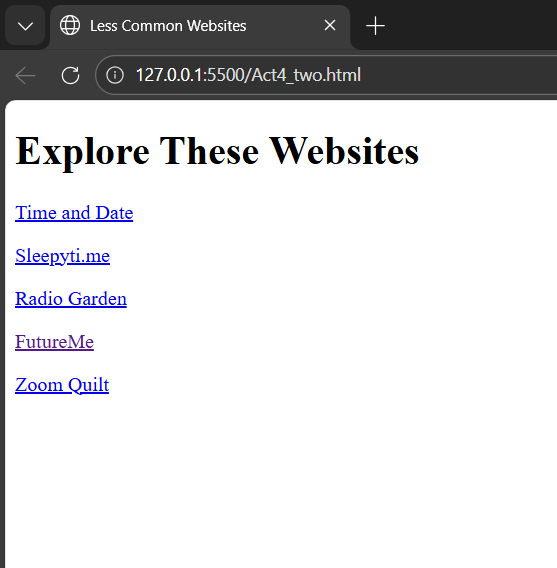
Links That Open in a New Window
Create links to five different websites, all opening in a new window using target=”_blank”.
Browser Output
Source Code
<a href="https://github.com"
   target="_blank">GitHub</a><br>
<a href="https://wikipedia.org"
   target="_blank">Wikipedia</a>
Exercise 03
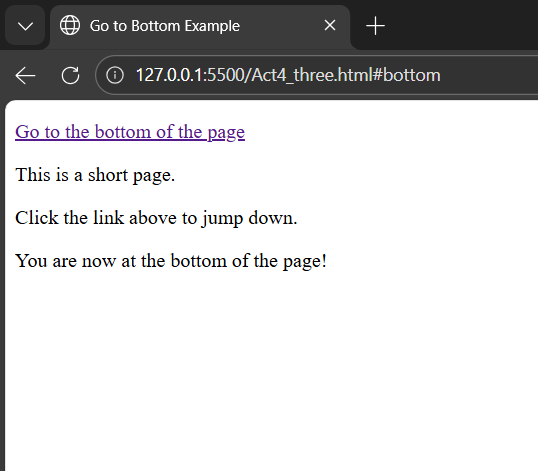
Link to Jump to Bottom
Create a page with a link at the top that when clicked jumps to the bottom using anchor IDs.
Browser Output
Source Code
<a href="#bottom">Go to Bottom</a>
<!-- lots of content... -->
<p id="bottom">You are at the bottom!</p>
Exercise 04
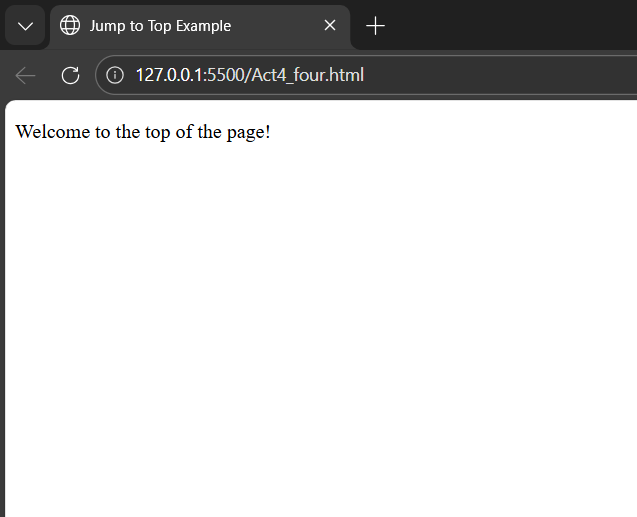
Link to Jump to Top
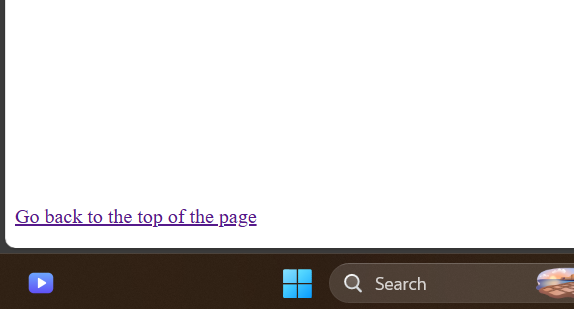
Create a page with a link at the bottom that when clicked jumps back to the top of the page.
Browser Output — Top of Page
Source Code
<p id="top">You are at the top!</p>
<!-- lots of content... -->
<a href="#top">Go back to Top</a>
Browser Output — Bottom of Page
Exercise 05
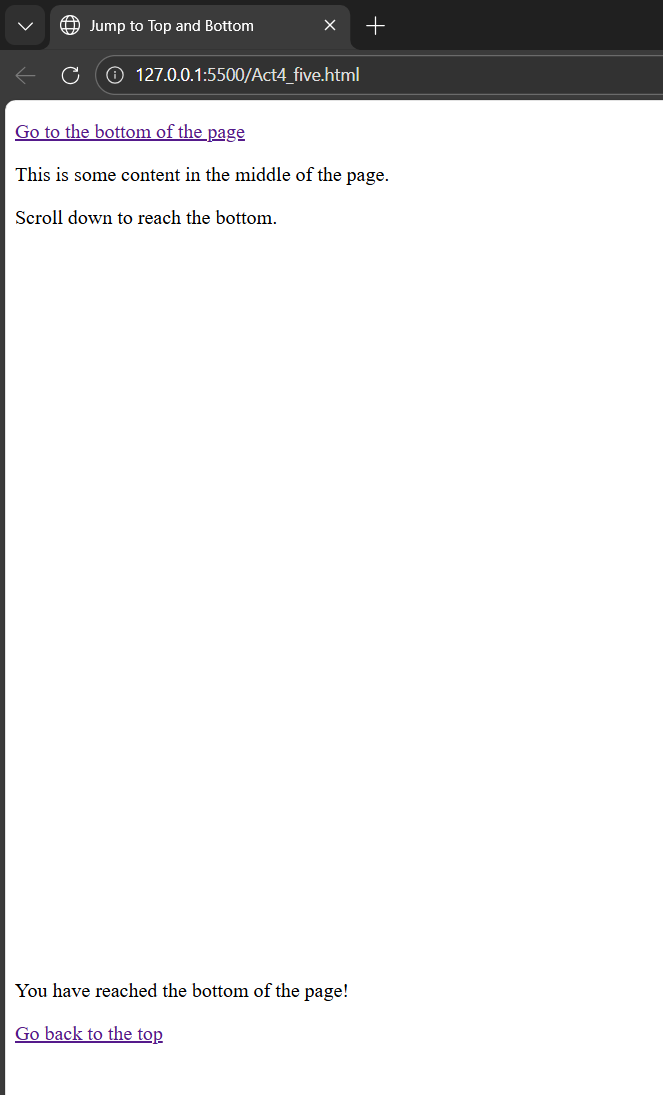
Jump to Bottom and Back to Top
Create a page with a link at the top jumping to the bottom, and at the bottom a link jumping back to the top.
Browser Output
Source Code
<p id="top"></p>
<a href="#bottom">Go to Bottom</a>
<!-- content -->
<p id="bottom"></p>
<a href="#top">Go back to Top</a>
DarNamayan
IT326 · Web Systems and Technologies
Activity 5 — Image Exercises
HTML image exercises covering display, borders, sizing, and image links.
Exercise 01
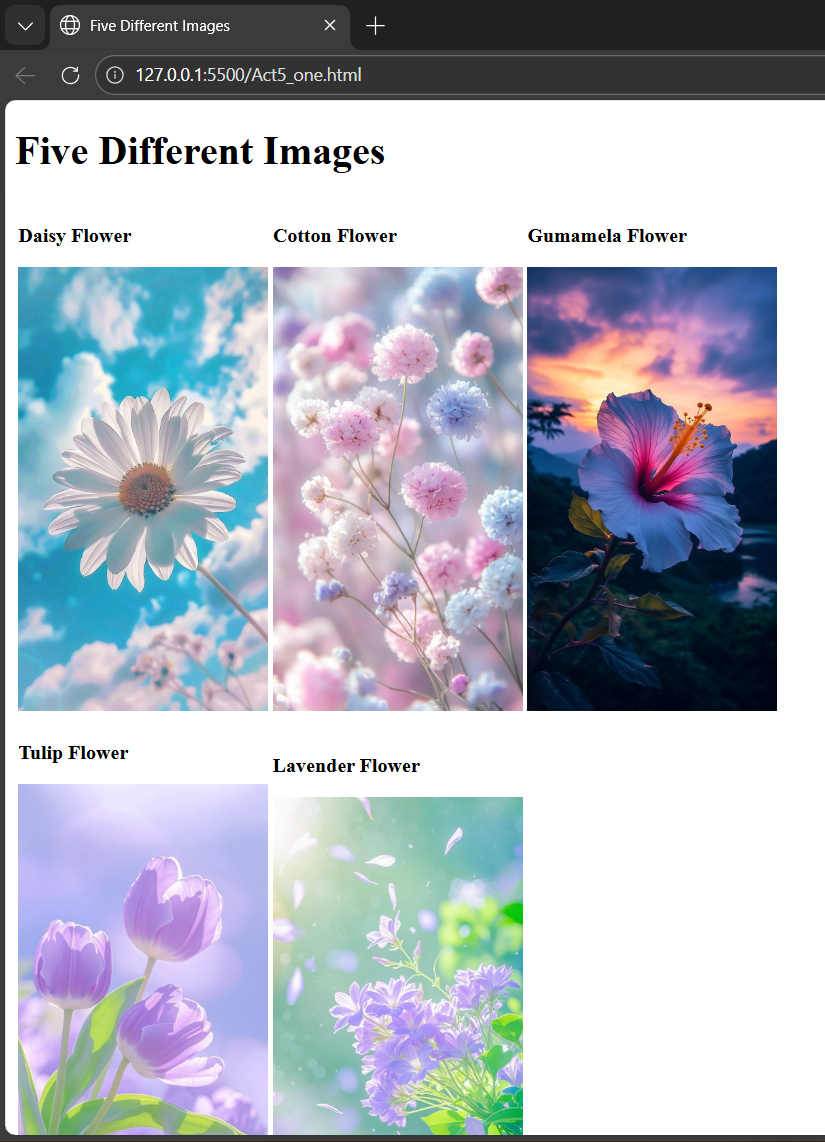
Five Images with Titles
Display five different images with two line breaks between each. Each image should have a title attribute.
Browser Output
Source Code
<img src="image1.jpg"
     title="Sunset View"><br><br>
<img src="image2.jpg"
     title="Mountain Trail">
... (5 total)
Exercise 02
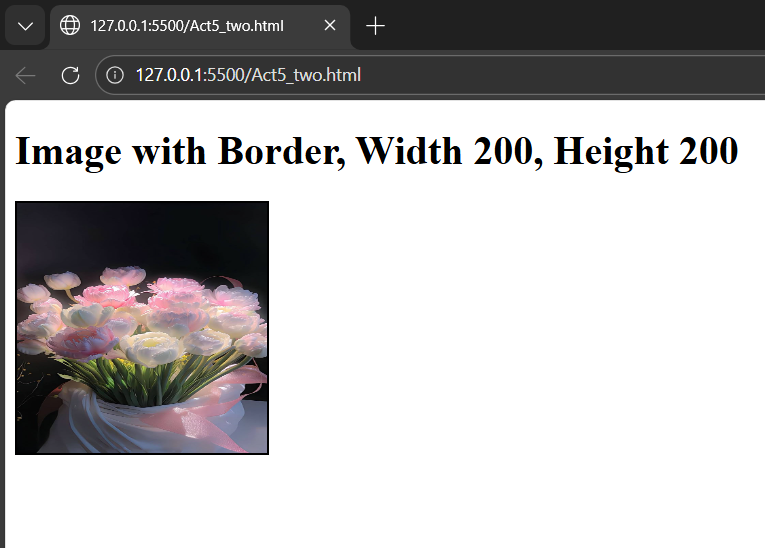
Image with Border, Width & Height
Display an image with border=”2″, width=”200″, and height=”200″ using HTML attributes.
Browser Output
Source Code
<img
  src="image.jpg"
  border="2"
  width="200"
  height="200"
  alt="Bordered Image"
>
Exercise 03
Image as a Link to a Search Engine
Display an image that when clicked links to a search engine of your choice, opening it in a new window.
Browser Output
Source Code
<a href="https://www.google.com"
   target="_blank">
  <img src="google-logo.png"
       width="200">
</a>
Exercise 04
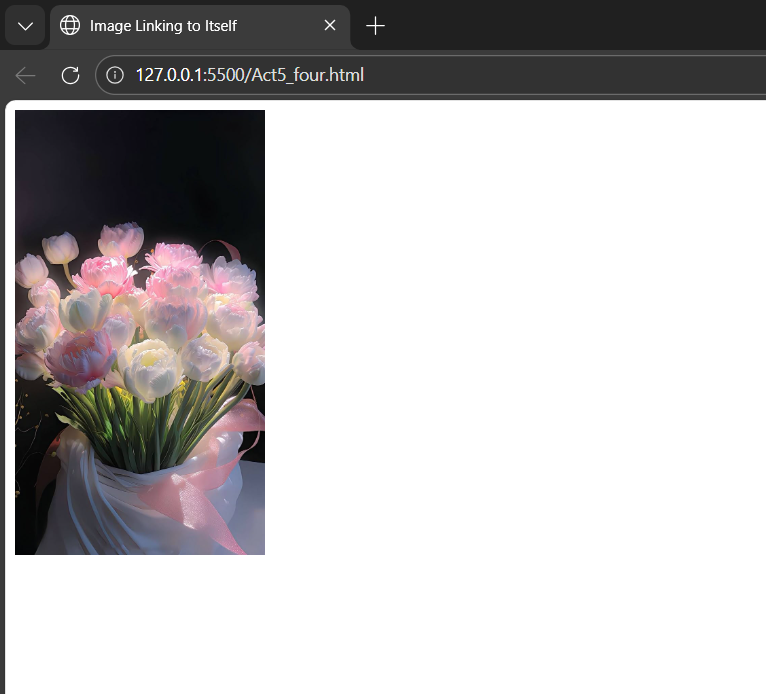
Image That Links to Itself
Display an image that when clicked links to itself, displaying the image alone in the browser window.
Browser Output — Page View
Source Code
<a href="myimage.jpg"
   target="_blank">
  <img src="myimage.jpg"
       width="300">
</a>
Browser Output — Image Displayed Alone